MCP servers
Route to a Model Context Protocol (MCP) server through a static address. For more information, see the About MCP topic.
Before you begin
Install and set up an agentgateway proxy.Static MCP server
Step 1: Deploy an MCP server
Deploy a Model Context Protocol (MCP) server that you want agentgateway to proxy traffic to. The following example sets up a simple MCP server with one tool, fetch, that retrieves the content of a website URL that you pass in.
Notice the following details about the Service:
appProtocol: agentgateway.dev/mcp(required): Configure your service to use the MCP protocol. This way, the agentgateway proxy uses the MCP protocol when connecting to the service.agentgateway.dev/mcp-pathannotation (optional): The default values are/ssefor the SSE protocol or/mcpfor the Streamable HTTP protocol. If you need to change the path of the MCP target endpoint, set this annotation on the Service.
kubectl apply -f- <<EOF
apiVersion: apps/v1
kind: Deployment
metadata:
  name: mcp-website-fetcher
spec:
  selector:
    matchLabels:
      app: mcp-website-fetcher
  template:
    metadata:
      labels:
        app: mcp-website-fetcher
    spec:
      containers:
      - name: mcp-website-fetcher
        image: ghcr.io/peterj/mcp-website-fetcher:main
        imagePullPolicy: Always
---
apiVersion: v1
kind: Service
metadata:
  name: mcp-website-fetcher
  labels:
    app: mcp-website-fetcher
spec:
  selector:
    app: mcp-website-fetcher
  ports:
  - port: 80
    targetPort: 8000
    appProtocol: agentgateway.dev/mcp
EOF
Step 2: Create the backend for the MCP server
Create a AgentgatewayBackend that sets up the agentgateway target details for the MCP server.
kubectl apply -f- <<EOF
apiVersion: agentgateway.dev/v1alpha1
kind: AgentgatewayBackend
metadata:
  name: mcp-backend
spec:
  mcp:
    targets:
    - name: mcp-target
      static:
        host: mcp-website-fetcher.default.svc.cluster.local
        port: 80
        protocol: SSE
EOF
Step 3: Route to the backend
Create an HTTPRoute resource that routes to the AgentgatewayBackend that you created in the previous step. Use a path match so that requests to /mcp go to the MCP backend and are not routed to an LLM or other backend.
kubectl apply -f- <<EOF
apiVersion: gateway.networking.k8s.io/v1
kind: HTTPRoute
metadata:
  name: mcp
spec:
  parentRefs:
    - name: agentgateway-proxy
      namespace: agentgateway-system
  rules:
    - matches:
      - path:
          type: PathPrefix
          value: /mcp
      backendRefs:
      - name: mcp-backend
        group: agentgateway.dev
        kind: AgentgatewayBackend
EOF
Step 4: Verify the connection
Use the MCP Inspector tool to verify that you can connect to your sample MCP server through agentgateway.
Get the agentgateway address.
- Cloud Provider LoadBalancer:
export INGRESS_GW_ADDRESS=$(kubectl get gateway agentgateway-proxy -n agentgateway-system -o=jsonpath="{.status.addresses[0].value}") echo $INGRESS_GW_ADDRESS - Port-forward for local testing:
kubectl port-forward deployment/agentgateway-proxy -n agentgateway-system 8080:80
- Cloud Provider LoadBalancer:
From the terminal, run the MCP Inspector command. Then, the MCP Inspector opens in your browser. If the MCP inspector tool does not open automatically, run
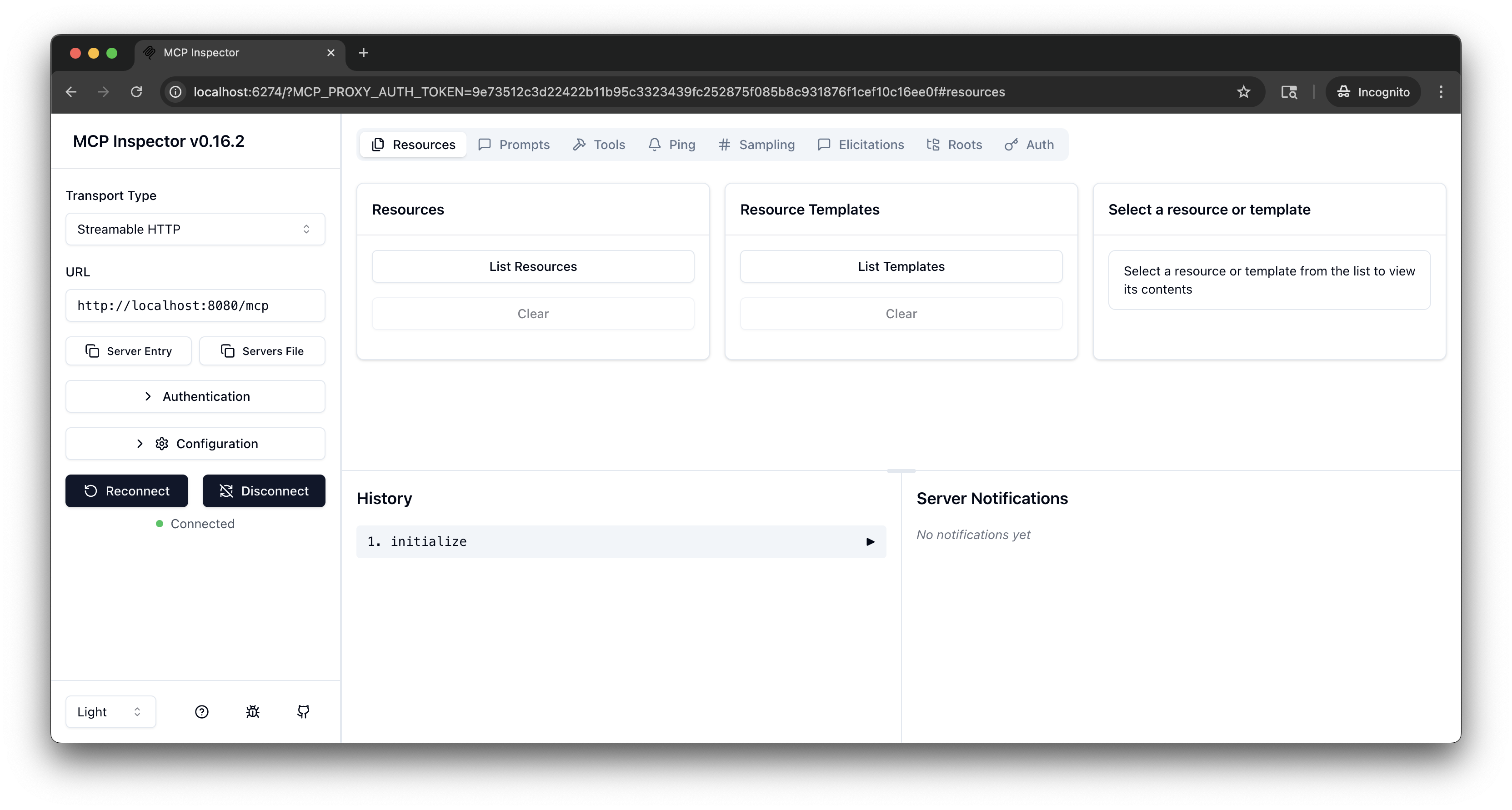
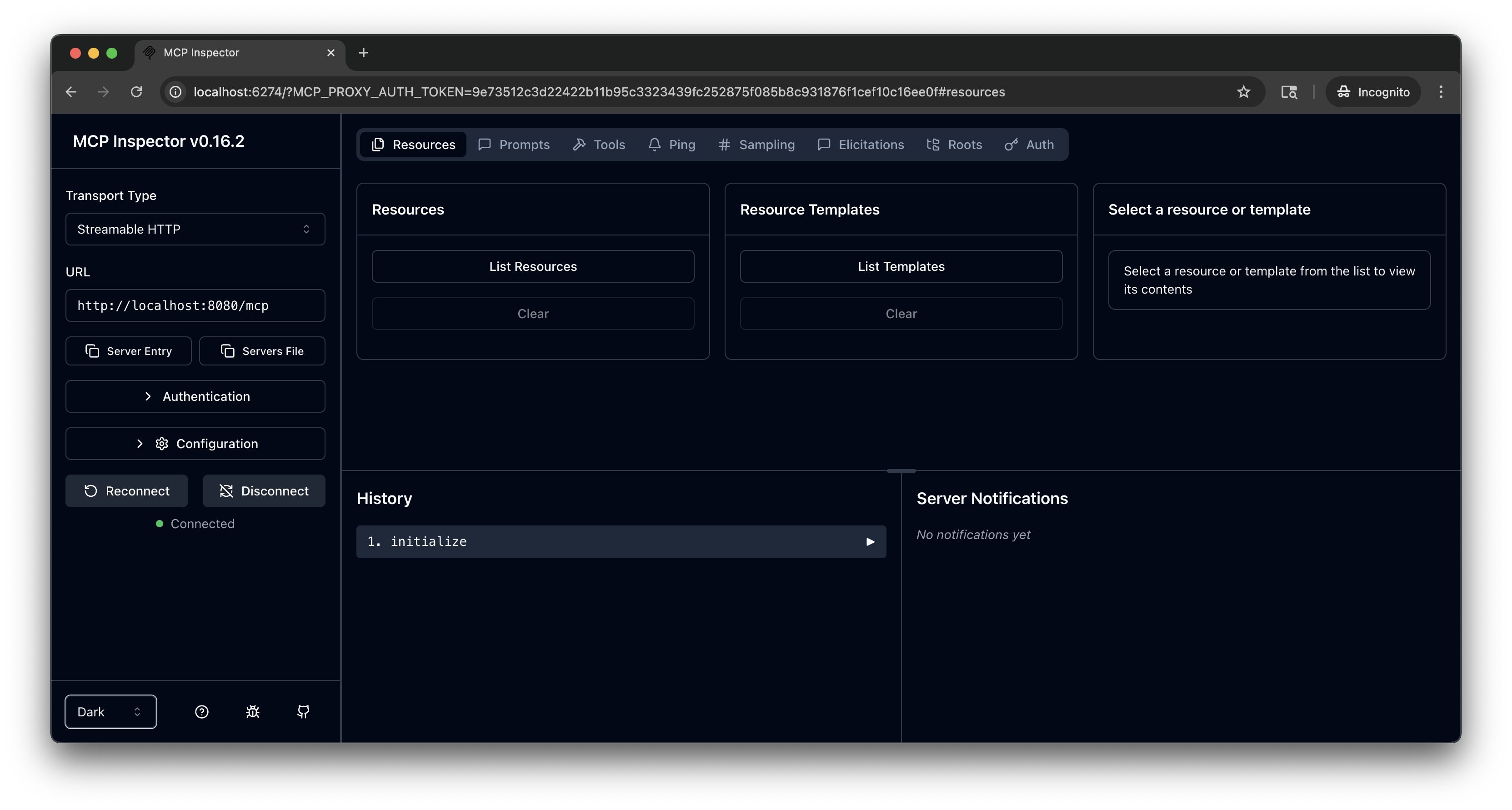
mcp-inspector.npx modelcontextprotocol/inspector#0.18.0From the MCP Inspector menu, connect to your agentgateway address as follows:
- Transport Type: Select
Streamable HTTP. - URL: Enter the agentgateway address, port, and the
/mcppath. If your agentgateway proxy is exposed with a LoadBalancer server, usehttp://<lb-address>/mcp. In local test setups where you port-forwarded the agentgateway proxy on your local machine, usehttp://localhost:8080/mcp. - Click Connect.
- Transport Type: Select
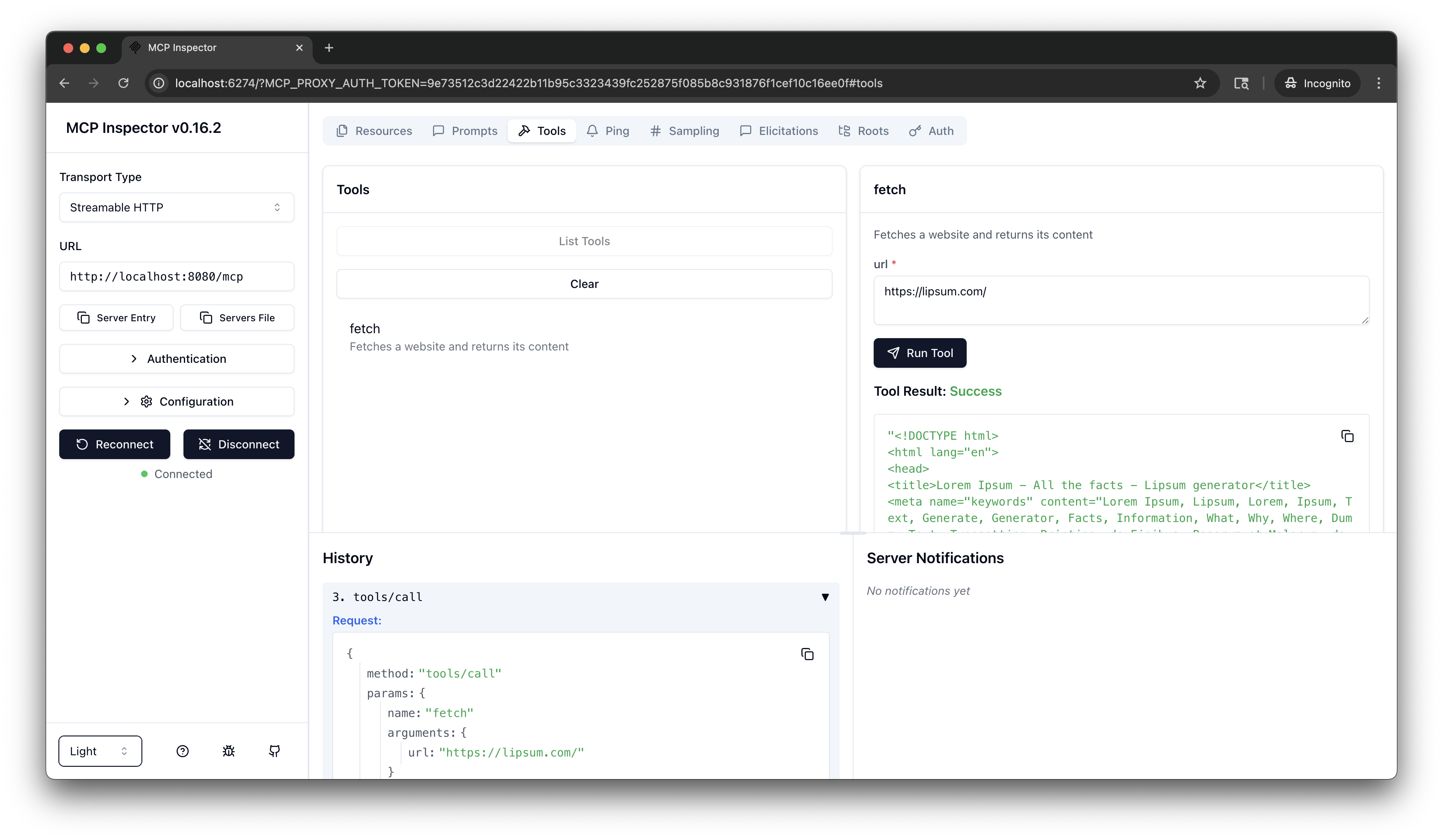
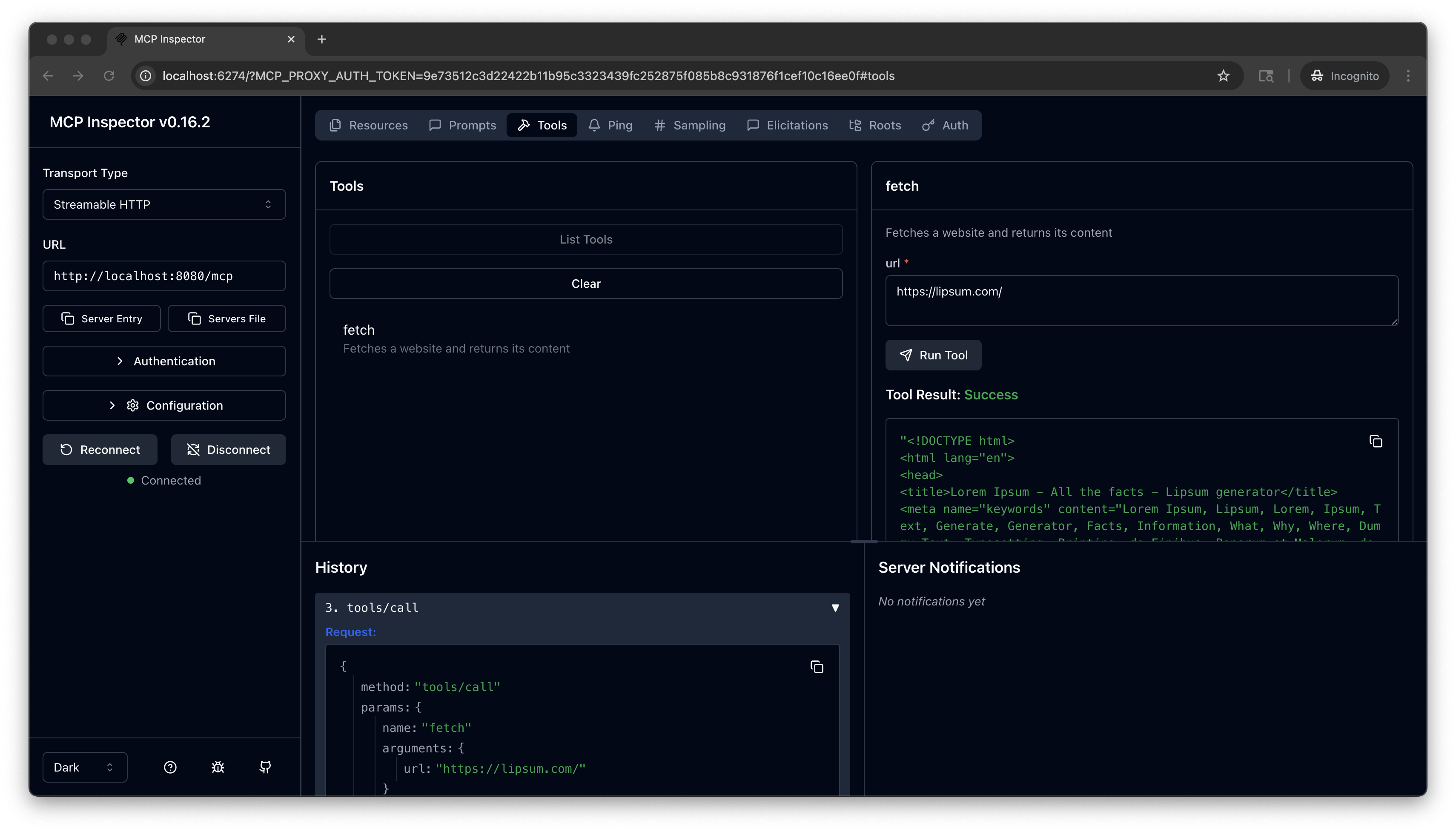
From the menu bar, click the Tools tab. Then from the Tools pane, click List Tools and select the
fetchtool.From the fetch pane, in the url field, enter a website URL, such as
https://lipsum.com/, and click Run Tool.Verify that you get back the fetched URL content.
Connect an IDE
After verifying connectivity with MCP Inspector, you can connect AI coding assistants such as Claude Code, Cursor, or VS Code to the MCP server through agentgateway. For configuration instructions, see MCP clients.
Cleanup
You can remove the resources that you created in this guide.kubectl delete Deployment mcp-website-fetcher
kubectl delete Service mcp-website-fetcher
kubectl delete AgentgatewayBackend mcp-backend
kubectl delete HTTPRoute mcp